The Limits Of A Workload Management On Excel
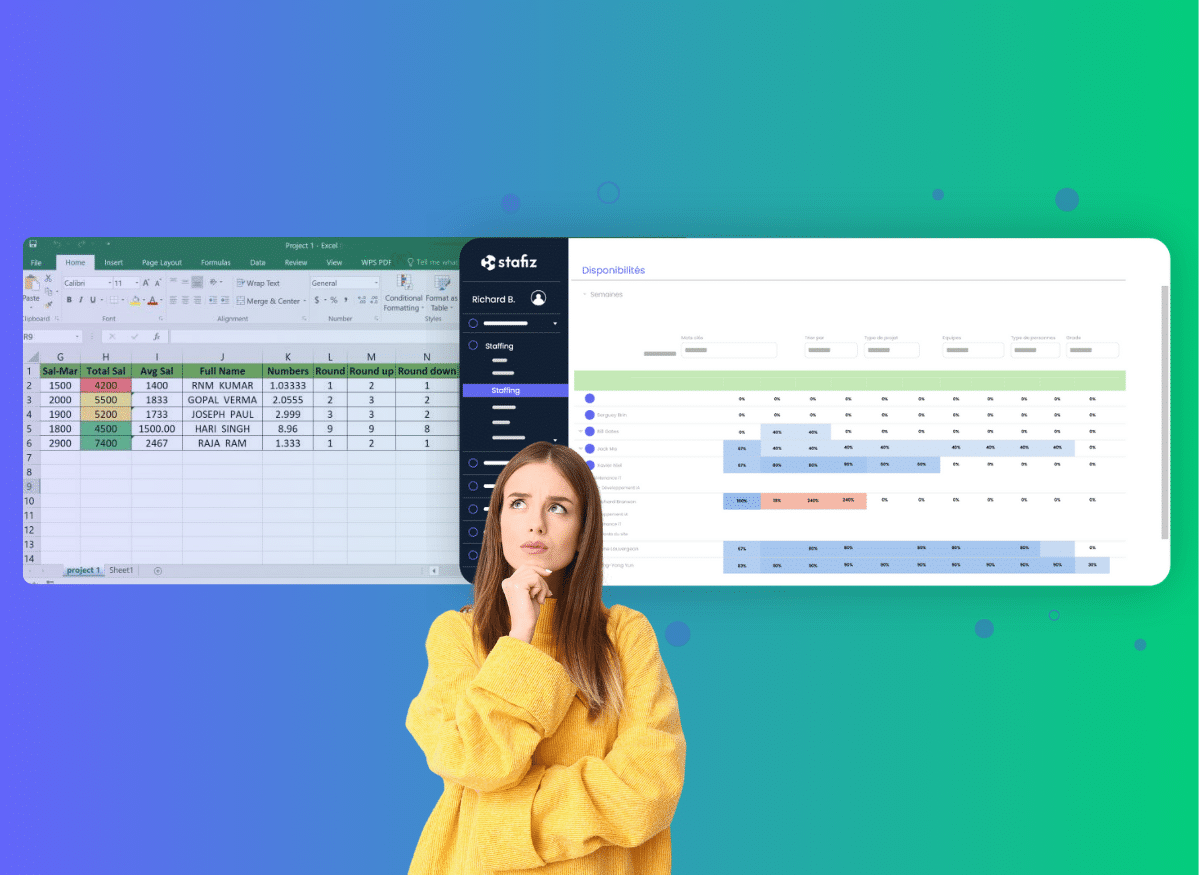
Excel may be suitable for manage the resource planning of a small team. Easy to access and customizable, it helps structure projects into a clear and logical table, plan load distribution and accurately calculate planned hours in your .xlsx file. But as soon as your organization grows, the spreadsheet becomes a brake on growth : data entry errors, cumbersome use, a lack of visibility on the entire project... Those constraints of the resource planning on Excel for IT Services and other service companies become visible as soon as several project managers have to coordinate to work on the same file.
Excel is originally a tool designed for calculations, but is still used on a daily basis by many IT Services and consulting firms. It quickly turns into a bottleneck when your team exceeds 15-20 people, and migrating your resource planning Excel to a dedicated tool becomes necessary.
In this article, we explain:
- how to create an effective Excel template to structure your workload;
- What signals should alert you that it's time to switch to a dedicated tool;
- and above all, how to migrate to a modern solution like Stafiz without losing your data or your working methods.
What is a workload plan and what is it used for?
A workload plan is a management tool that allows you to visualize the distribution of work within a team, over a given period. The objective is simple: to balance workloads, anticipate overloaded or under-occupied periods, and guarantee a planned and realistic distribution of assignments. In other words, it is used to forecast the hourly load and calculate the occupancy rate of each resource to avoid imbalances.
Is it possible to manage your resource planning on Excel?
In theory, a good model of resource planning Excel is sufficient for small SMEs or young people IT Services for a first level of planning. An Excel load schedule Well built will allow you to view the distribution of missions and avoid availability conflicts. This tool is a good place to start, as long as you take a rigorous approach. Know how to make resource planning With a spreadsheet depends mainly on your ability to keep your tabs consistent with each other: resources, projects, absences and schedules.
Steps to create a workload plan on Excel
Here's how to create a spreadsheet that will address the key challenges of resource planning of a VSE-SME. First of all, you need to create 4 tabs in your .xlsx document:
- the resource database which lists the staff;
- the project database which lists current and future projects;
- the planning sheet to view the utilization rate of each collaborator listed in tab 1;
- the leave and absence database.
The information to be filled in about your staff (tab 1) is:
- their first and last name ;
- their role/profession ;
- their skills (and possibly the level of competence);
- their type of contract (intern on a fixed-term contract, intern on a permanent contract, work-study student, intern, freelancer);
- their ADR (average daily rate);
- the maximum time allowed on weekdays: 10 am, 3 pm, 25 pm, 35 pm, 40 hours, part-time, flat-rate, etc.
- Their availability : immediate, in a week, in a month, etc.
The information to be filled in about your projects (tab 2) is:
- the name of the project ;
- the name of the customer ;
- the identity of the project manager and possibly his contact details;
- the start date of the project;
- the end date of the project;
- The status of the project (upcoming, in progress, completed).
Next, you create a 3rd spreadsheet for resource planning:
- each line includes the name of a collaborator with reference to the resources database;
- each column represents a period (Week, month, day...)
The 4th tab is used to note the leave and absences of employees. The data entered in this sheet must be linked to the previous tab, to avoid scheduling an unavailable person, for example using an SI() function.
How to use this free resource planning Excel template?
To effectively exploit your Excel resource planning template, simply indicate the planned hourly percentage for each employee in the table.
That template of resource planning Free Excel will help you make a load simulation in your Excel resource planning and to instantly identify overload situations, via a simple SUM() formula.
You can also insert formulas to calculate automatically Total load and overloads and use conditional formatting: Your cells can display red above 100% load and yellow when under-active, depending on your billable utilization rate.
When should you switch from Excel to a resource planning tool?
As teams grow, spreadsheets become a drag on your resource planning. In particular, because of the double entries between the different tools that can cause delays on projects and reduce the visibility on the actual workload of the teams. The File errors resource planning Excel will multiply as the volume of data increases, distorting your analyses. In addition, the management of intercontracts on Excel remains complex and unreliable: without a consolidated view, some available resources are not detected in time.
Before this tool becomes a burden on your growth, here are 5 signs that it's time to move on to a better resource planning.
-
- You keep sharing new versions of the file that your teams start to get lost in. The result: crushed lines, lost formulas and precious time wasted "repairing" the document by the few people who master the document.
- You manually check overloads and underloads to identify anomalies, as the tool does not send any alerts in the event of drift. When manually checking schedules becomes too time-consuming, it's time to switch to a tool that automates this detection.
- Your Excel file from resource planning Multi-project is constantly slowing down or crashing because too much data to manage. Slowdowns and broken formulas directly affect the responsiveness of your teams. This is a sign that it is no longer sized for your business.
- Everyone has access to the information about the shared file. As a result, billing rates, margins, or availability can flow freely, exposing your business to privacy risks.
- Your reports require endless manipulations. When producing a simple utilization rate, monitoring the progress of projects, or generating a cash flow statement takes several hours and overly specialized skills, Excel ceases to be a tool and becomes a constraint.
Replace Excel with a resource planning for consulting firms allows you to transform your operational management. Where the Limits of the resource planning on Excel create slowness and errors, a dedicated tool offers instant visibility and measurable gains.
According to our customers' feedback, the switch from Excel to Stafiz improves the resource planning from +4 to +8 points on average. And beyond the numerical performance, the teams note that the meetings of resource planning become shorter and more focused on decision-making than on correcting errors or consolidating files.
What are the technical limitations of Excel for resource planning?
The dangers lie mainly in the loss of data consistency and the slow updating process. It's not a tool designed for teamwork or to automatically sync data with your other software. And manage a resource planning multi-projects in Excel will quickly become mission impossible.
Even if some try to automate with macros, these solutions remain fragile and non-collaborative, and do not correct the other limitations you will have with the software.
- No real-time updates. Each user works on his or her own version of the file, which creates discrepancies between the theoretical schedule and the actual one. However, an efficient workload plan must make it possible to see availability instantly.
- No integration with your business tools. The spreadsheet does not have connectors or APIs, and does not synchronize with the HRIS or leave management tools.
- No link with the CRM or the sales forecast. On Excel, sales opportunities aren't visible in the schedule. It is impossible to anticipate resource needs before a contract is signed. It therefore does not allow the indication of temporary (or pre-resource planning), which means remembering to update the schedule and project resource allocation once an opportunity is won.
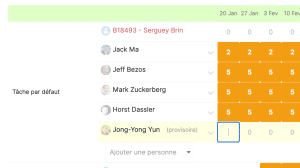
Pre-position your resources at the opportunity with Stafiz
- A completely manual approach. To calculate your margins or simulate your planned expenses, you will often have to duplicate your tables and adjust the formulas manually. Without connection to other tools, the risk of forgetting parameters (absences, overload, opportunities) is constant. Who did what? At what time? How to track your resource planning in Excel? Not to mention that rights management is binary: either everyone sees everything, or no one has access.
Strategic issues related to the use of Excel as a resource planning tool
Beyond its technical limitations, this tool poses real strategic challenges as soon as your company is growing and quickly becomes a structural constraint: lack of alerts, scattered data, dependence on a single person to maintain the file, etc. These are all signals that weaken the overall performance of an organization.
Here are the main points to watch out for.
- No automatic alert in the event of drift, for example when a resource exceeds 100% occupancy or a project is delayed. Without an alert system, discrepancies between the forecast and the actual will be detected too late.
- The tool poses a financial risk to your business, due to file errors. resource planning Excel and wasted time due to manual entries. This also leads to hidden portential costs: delayed invoicing, incorrectly accounted for non-billable hours, poor allocation of resources, etc.
- A rigid structure, not well suited to the strategic vision. Here, the document makes it difficult to cross-reference the data of resource planning with the financial data (margin, budget consumed, still to be done). However, this information is valuable for making a financial forecast and managing projects in a global manner.
- Updating the .xlsx file is cumbersome and costly, depending on key people (often senior profiles). The time it takes to manage this file is not billable and represents a loss of income in terms of productivity. In the event of absence or departure, the organization loses this skill, with a risk of breaking continuity.
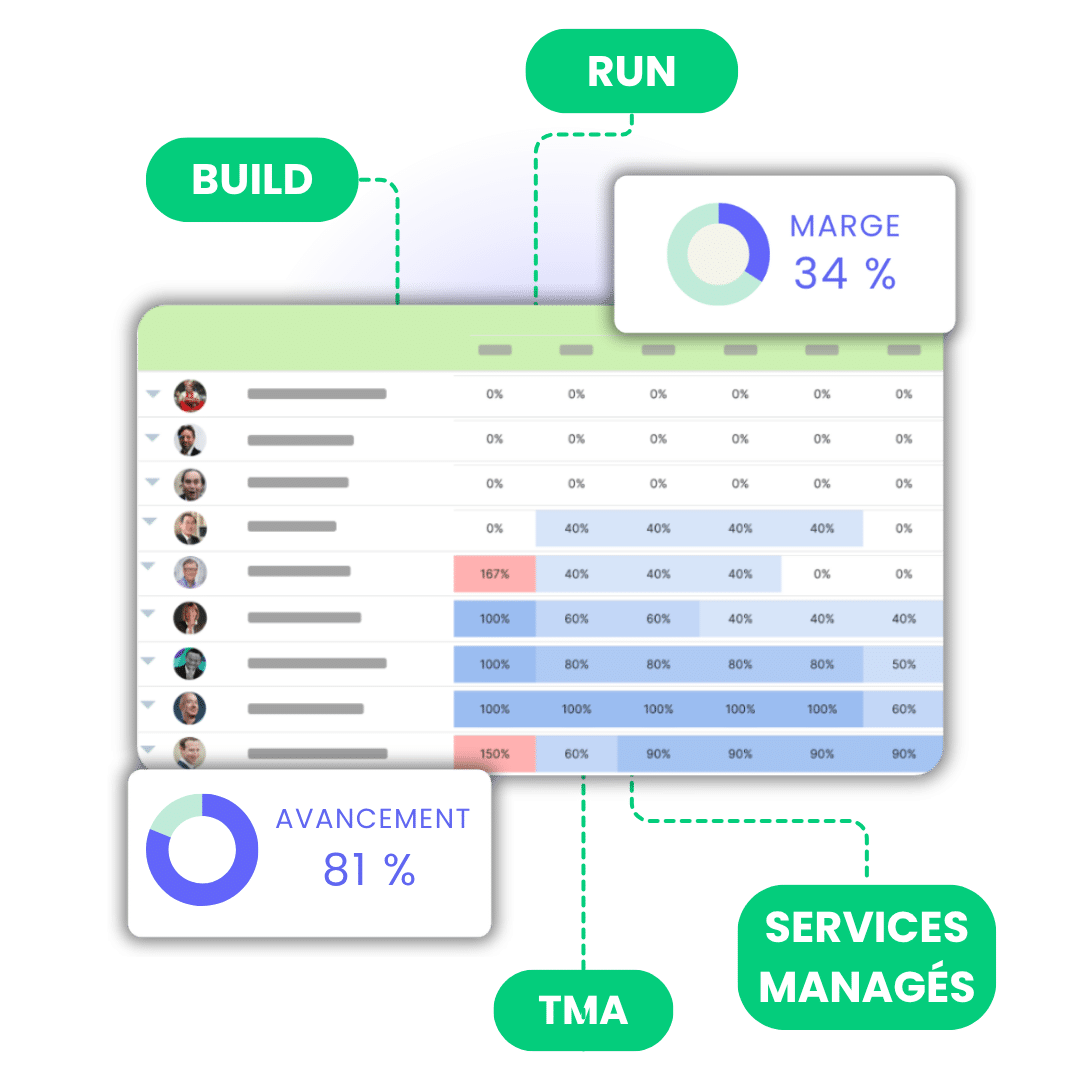
With Stafiz, the structuring of data is unified: a single environment to link load, budget, remains to be done and forecast. Teams gain a strategic and instant view of the performance of each project.
Should you trust Excel for your resource planning ?
Even if a spreadsheet is still useful for a simple example of a workload plan, it quickly shows its limits when it comes to integrating deadlines, mission statuses or a map of available resources. As soon as your project portfolio grows, the spreadsheet reaches its limits: lack of collaboration, double entry, formula errors, and lack of real-time visibility.
In reality, it's not your team that becomes more complex, but your tool that doesn't evolve with it. The Excel alternatives for resource planning, such as Stafiz, offer complete data centralization and reliability that is impossible to achieve with a manual spreadsheet. By automating time tracking, planning, invoicing and budget forecasting, it transforms your resource management into a real profitability lever. You gain visibility, responsiveness and peace of mind.
Questions:
To minimize errors, the file must be structured with named ranges, data validations, and locked formulas. Centralization on a single shared file (via SharePoint or Google Sheets) reduces duplicates and version conflicts. Finally, the implementation of automatic controls (alerts, overloads, inconsistencies) and a single repository of employees and projects considerably improves the reliability of the data.
A specialized tool like Stafiz offers dynamic planning with real-time visibility, multi-project management and native integration with CRM, HRIS or invoicing. These tools make it possible to simulate the load, monitor the realized and anticipate resource needs. They are best suited for growing or multi-site organizations, where Excel is quickly reaching its limits of reliability and collaboration.
A dedicated tool usually saves 20 to 40% of time on planning and improves project profitability through better resource allocation. Data centralization and real-time visibility reduce errors and cross-contracts. The return on investment is measured from the first months, thanks to the reduction of re-entry, better responsiveness and an optimized team utilization rate.



 WEBINAR STAFIZ